Designed for university instructors, lecturers, programme coordinators, and executive education faculty who want short, structured, assessment-ready activities that connect to the concepts they already teach.
HumanSide simulations are built to integrate into a standard course schedule. They don't require special software, lengthy setup, or a complete redesign of your course.
Cozy Cup takes 60–90 minutes to complete — a single self-paced session that fits before a tutorial, between lectures, or as an assignment.
Every simulation comes with instructor guides, debrief slides, reflection prompts, rubrics, and concept maps — everything is ready to use.
Structured reflection prompts and grading rubrics make it straightforward to assess the simulation as a coursework component.
Concept maps show students how their in-game choices connect to the theories, models, and constructs covered in your course.
Access aggregate class data and individual performance reports — useful for debrief discussions and understanding how your cohort made decisions.
Students access simulations online with a simple access code. No downloads, no accounts to manage, no LMS integration required.
Each simulation can be adapted to different course formats, class sizes, and assessment structures. Here are some of the most common ways educators deploy them.
Assign the simulation as pre-class homework. Use the class period for a structured debrief — comparing decision patterns, surfacing different leadership approaches, and connecting to course theory.
Run the simulation live in a tutorial session or computer lab. Students play individually, then discuss choices in small groups before a facilitator-led debrief.
Assign the simulation with accompanying reflection questions as a graded individual assignment. Students submit reflections connecting their gameplay choices to OB or leadership concepts.
Use class-level analytics to show how the cohort collectively responded to key decision points. Explore variance in choices, leadership styles, and how different approaches led to different outcomes.
Use near the end of a course as a capstone activity that asks students to apply knowledge from across the semester — identifying the OB, leadership, and HRM concepts embedded in the simulation.
Frame the simulation as a lived example of evidence-based management — asking students to evaluate whether their choices were grounded in research evidence, and what the alternatives were.
Leadership, motivation, attitudes, team dynamics, communication, psychological safety, OCB, and CWB — all embedded in Cozy Cup's design.
Every simulation decision is fundamentally a leadership communication choice — making these an ideal fit for leadership courses at any level.
Recruitment, performance, harassment, burnout, and engagement are central to upcoming simulations — and to HRM course outlines.
The Evidence Lab simulation (coming soon) is specifically designed to teach evidence-based decision-making as a core management practice.
Short, intensive, and reflective — ideal for MBA programmes and executive education modules that need applied, discussion-generating activities.
Burnout Watch and Crossing the Line will address employee wellbeing, harassment, and psychological safety — topics increasingly central to OB and HRM programmes.
We know that educator time is finite. Every HumanSide simulation ships with everything you need to assign, run, and assess — so you can focus on the discussion, not the prep.
Step-by-step facilitation notes covering how to assign the simulation, what to expect, common student reactions, and how to run the debrief effectively in different class formats.
A ready-to-use presentation that walks through key decision points, class-level data, and connections to course concepts. Designed to spark discussion rather than deliver answers.
Structured reflection questions aligned to the simulation's learning outcomes. Prompts are written at different levels of depth — from basic recall to critical application — to support a range of assignment formats.
Assessment criteria for reflection assignments, with descriptors at multiple performance levels. Easily adapted to your institution's grading conventions.
Visual maps linking each gameplay dimension to specific theories, constructs, and course topics — making it easy to demonstrate alignment between the simulation and your course learning outcomes.
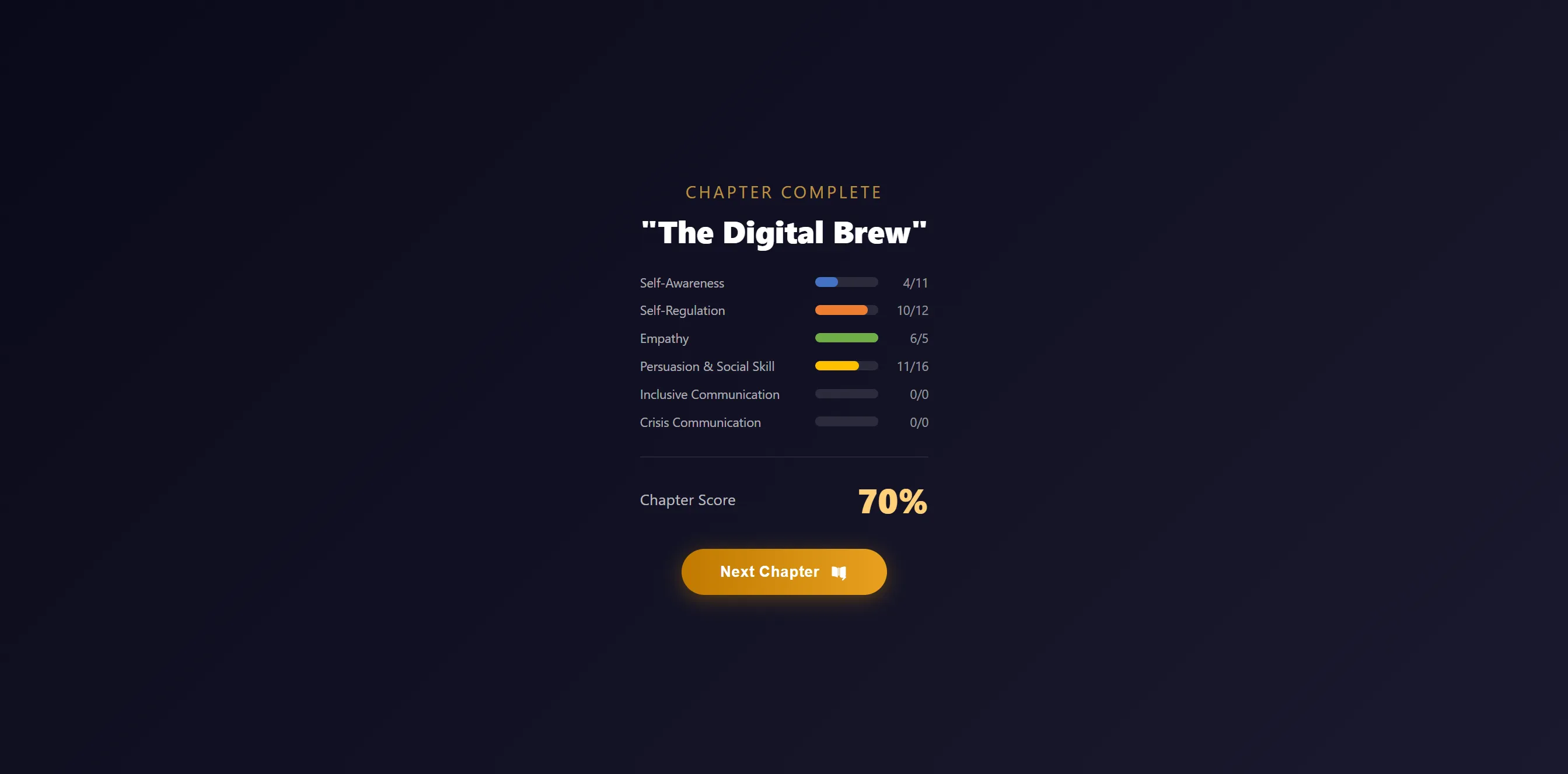
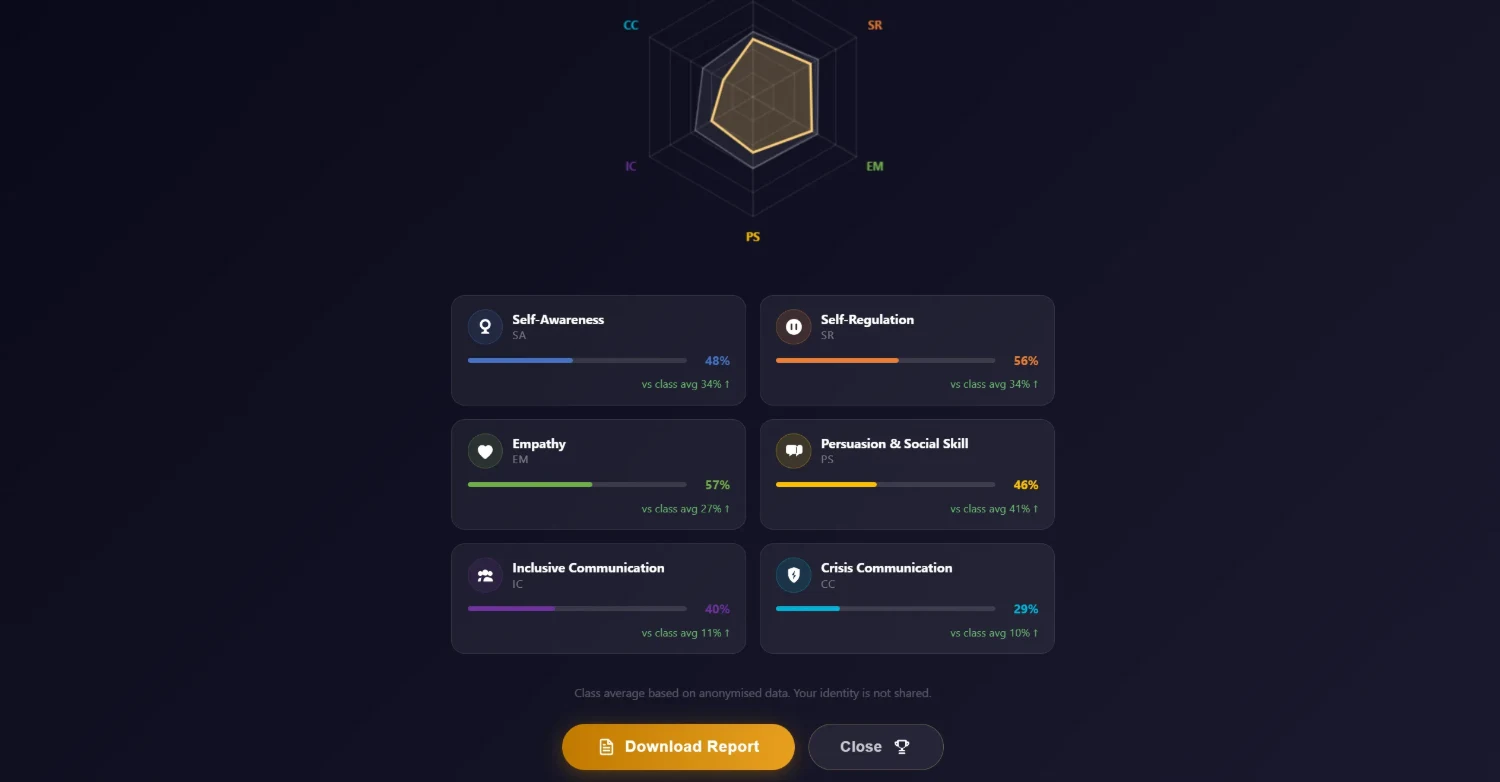
Individual student developmental reports and class-level aggregate data. Use to identify patterns, inform debrief discussions, and understand how your cohort approached key decisions.
HumanSide is designed to be accessible. Educator pilots are free, and student access codes are priced to be realistic for course adoption.
University instructors and trainers can access any available simulation at no cost to evaluate it for their course.
Per learner, per simulation. Students purchase their own access code directly.
Request a free educator pilot, ask a question about course fit, or book a demo to see Cozy Cup in action.